
I put 8–16 hours a week into TryHackMe. Here’s a breakdown of every module on the Cyber Security 101 path — rated, annotated, no fluff — from someone who came in knowing very little.
How I Found TryHackMe
TryHackMe was my knight in shining armor. I found it through a MadHat video — his take was simple: TryHackMe is for beginners, HackTheBox is for people who already know what they’re doing. At $16/month, cancellable anytime, with free virtual servers and a Kali box ready to go — I signed up from an overnight shift and never looked back.
Coming in, I already had the Google Cybersecurity Professional Certificate under my belt. Good cert — it covers basic Python, CLI, Linux, Windows, and networking — but the hands-on was nearly zero. TryHackMe fixed that. As MadHat would say, it’s like testing your ability to ride a bike by answering questions. Reading is not enough. You have to actually do it.
The leaderboard helped too. If you have ADHD and grew up in the early 2000s, you already know — a leaderboard turns a study session into a game. That’s not a flaw. That’s genius design.
Tools You’ll Actually Use
The Path — Scores at a Glance
Module Breakdowns
Linux Fundamentals — 7/10
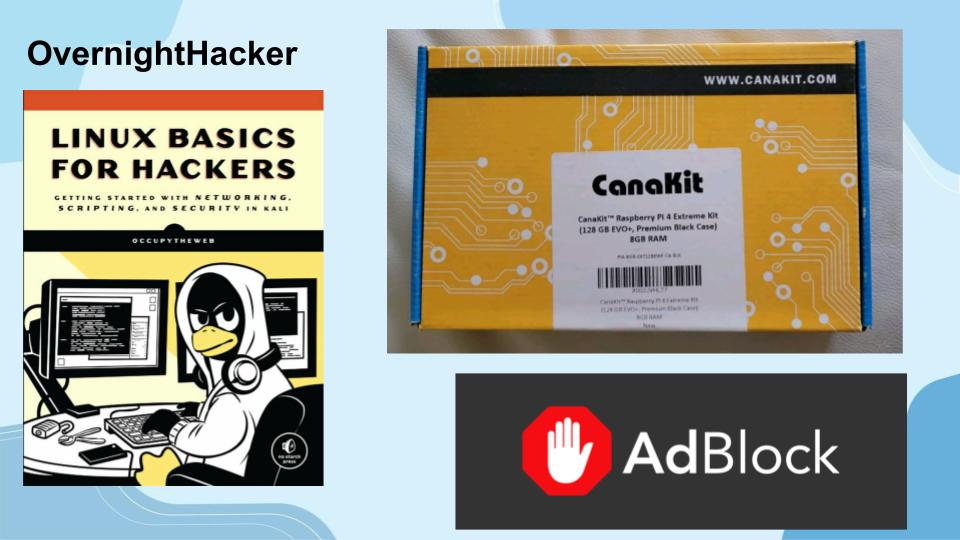
This is the module that made me get a Raspberry Pi (shoutout to my dad for the Christmas gift). I fell in love with how Linux worked — simple on the surface, deep underneath. I knew I wasn’t switching from Windows full-time, but having a headless Pi to SSH into and run scripts on? That’s a whole different kind of cool.
Practically: SSH, grep, navigating and modifying files, checking permissions, becoming root. Useful stuff done in a way that actually sticks. I also learned nano, vim, how to update packages, and check IP — foundational, not flashy, but you need it.
Windows & Active Directory Fundamentals — 6/10
I’ve had a PC since 2015 and still didn’t fully understand Active Directory. Finding out felt like learning that inside a tree was wood. System configurations, Control Panel, Task Manager (the hardest part — yes I’m joking, sort of), Windows security specifics, the registry — and then the AD questions, which just took forever. Needed knowledge, not exciting delivery.
Command Line — 8/10
Short, dense, no wasted time. Windows CMD, PowerShell, and Linux shells all in one module. If the terminal intimidates you, this is the cure. Probably the best module up to this point in the path, and it didn’t overstay its welcome.
Seven rooms deep: Nmap, TCPdump, Wireshark, network essentials, core protocols. Hard — in the best way. I kept a handwritten journal of commands the whole time. Every single tool I learned here came back up during my Penetration Testing Capstone at school. Got an A. Thank TryHackMe for that.
Cryptography — 6/10
Only 4 rooms, but it took me twice as long as the 7-room Networking module. Hashes are just not fun to figure out. That said, this module changed how I think about everything online — understanding what cryptography actually does for non-repudiation and data security is genuinely important. I’m annoyed it’s a 6 because it’s probably closer to a 7.
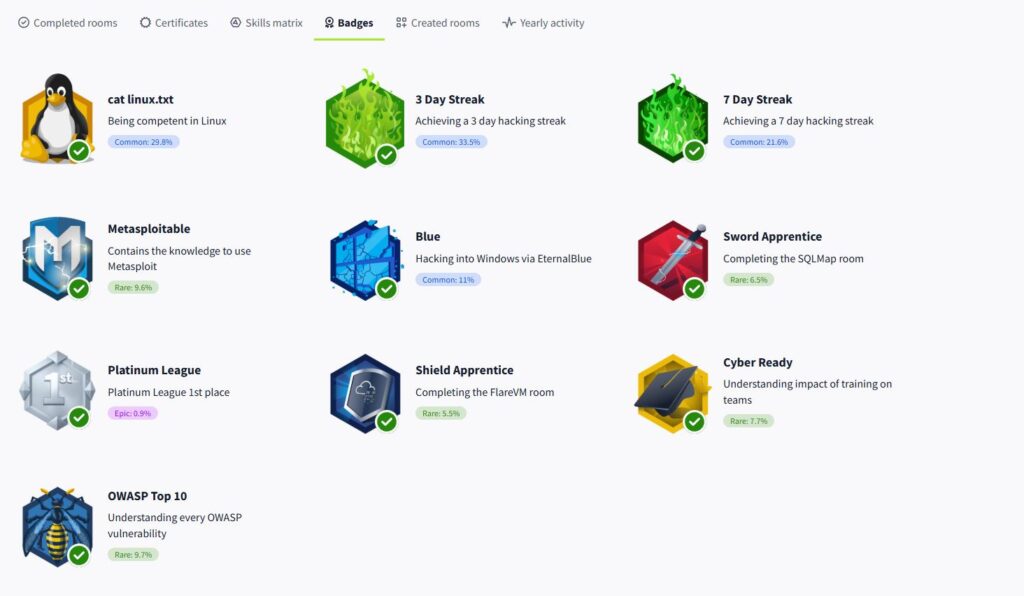
This was it. Metasploit. EternalBlue. The Blue room. Your first full hack — and far less hand-holding than anything before it. You have to Google, ask AI, and actually read documentation. Then you earn the badge. Nothing hits like that first shell. This is what all the earlier modules were building toward.
Web Hacking — 5/10
JavaScript, SQL queries, Burp Suite, web application security basics. Interesting, but mostly fundamentals. Useful to know — not great compared to what came before it. Felt like a step down from the Exploitation module energy-wise.
Offensive Security Tooling — 8/10
A real step up. Hydra for brute forcing, Gobuster for directory busting, shells, SQLMap. I used Hydra directly on my Penetration Testing Capstone — it works. This module rewards the time you put into it. One of the more practically useful ones in the whole path.
Defensive Security — 6/10
SOC fundamentals, digital forensics, logs, incident response. Good content — the vocabulary overlaps a lot with what you see working in a security-adjacent role. Not much hands-on, but solid conceptually.
Security Solutions — 6/10
SIEMs, firewalls, IDS, vulnerability scanners. Great to understand how they work — but there wasn’t much actual use of these tools beyond some allow/deny filter exercises. More conceptual than practical.
Defensive Security Tooling — 7/10
CyberChef, CAPA for malware identification, REMnux, FlareVM. I still use CyberChef regularly. I still use CAPA to identify suspicious files. These tools are real, free, and used in the field. Good module.
I review hundreds of job postings every week. Nobody lists TryHackMe as a requirement. If you want a cert that shows up on resume filters, look at HackTheBox for that. But if you are brand new — or only have the Google Cybersecurity Professional Certificate and want to actually start doing things — start here. Then study for your Security+ at the same time. That’s the move.
Final Word
If you’re truly fresh to all of this, or you’ve only got the Google cert and feel like you’re not actually doing anything — this is where you start. The leaderboard keeps you going. The rooms get harder in the best way. You’ll use real tools that real pentesters use. And eventually, you’ll pop your first shell on a vulnerable machine and feel something shift.
Don’t wait until you feel ready. You learn by doing. That’s the whole point.
— Written at 3am on an overnight shift | OvernightHacker.com






Leave a Reply